
Cover a printed logo
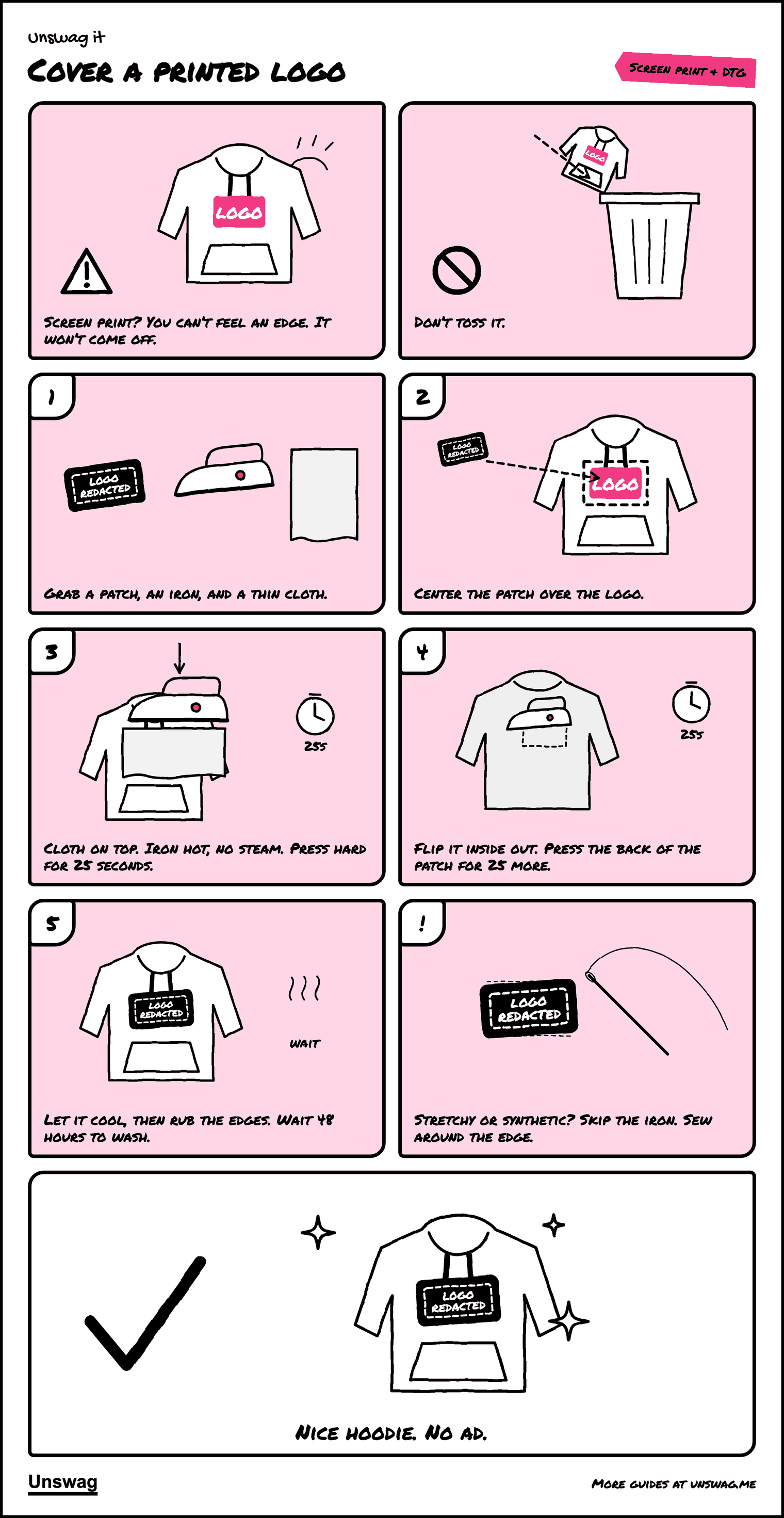
Screen print? You can’t feel an edge. It won’t come off.
COVER is the verdict for this kind of logo
What you’ll need
- Logo redacted patch
- Iron
- Thin cloth, like a pillowcase
Download the PDF Two pages, 385 KB. The pictures, then the written steps.
Written steps
- Grab an iron-on patch, an iron, and a thin cloth, like a pillowcase or cotton tee. The fabric you’re covering should be at least as heavy as the patch. Denim and cotton hold best.
- Lay the item flat on a heat-safe surface and center the patch over the logo so the whole print is covered.
- Heat the iron as hot as the fabric allows, with steam off. Put the cloth over the patch and press down hard for about 25 seconds. Don’t slide the iron.
- Turn the item inside out and press the back of the patch area for another 25 seconds.
- Let it cool, then rub the edges with a finger. If an edge lifts, press it again.
Aftercare: the glue takes 48 hours to fully set. After that, wash the item as little as you can, by hand in cold water, and let it air dry. For a patch that never comes off, sew around the edge as well.
Stretchy or synthetic fabric? A hot iron can melt polyester and similar fabrics, and iron-on glue doesn’t hold well on stretchy material. Check the care label. If it isn’t cotton, sew the patch on with a simple stitch around the edge instead. Always follow the instructions that come with your patch.
Shop the fix
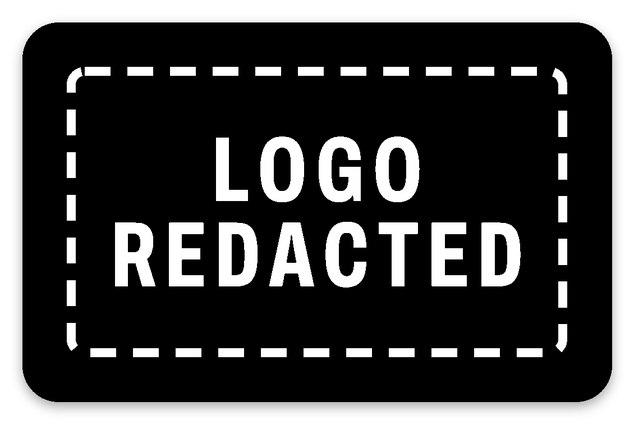
Logo redacted bar
Patch: 3.5 × 2.25 in.
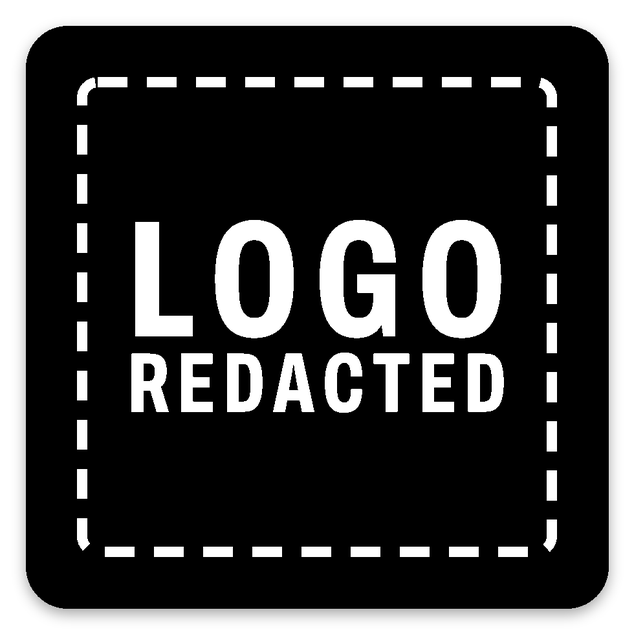
Logo redacted square
Patch: 3 × 3 in.